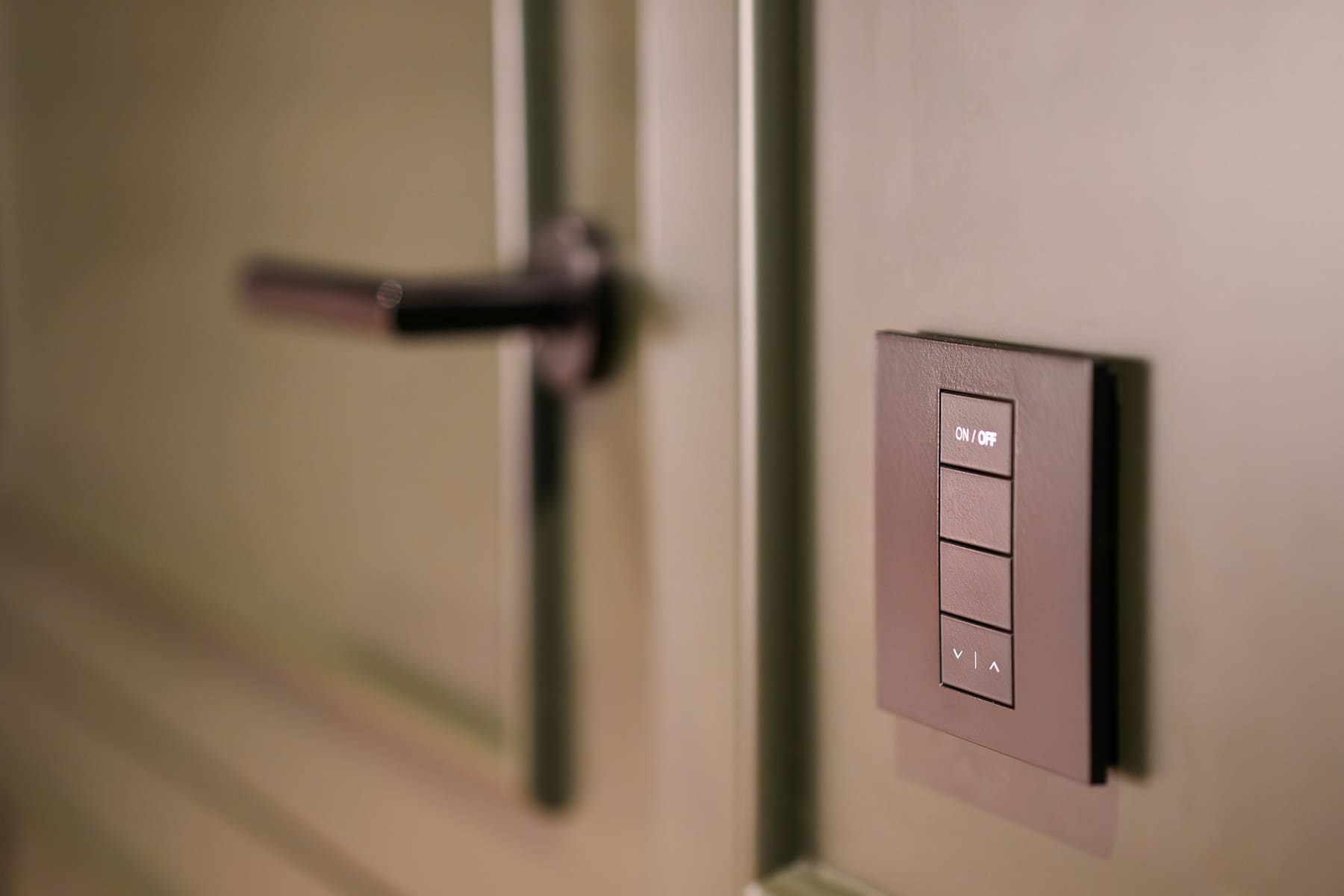
Residential Solutions
Home Automation
Lighting, shades, climate, audio and access working together from one interface, instead of five apps that each control a quarter of the house. We program scenes around how the building is actually used — morning, away, evening, entertaining — so the technology recedes and the house just behaves.
Get a QuoteWhat we offer
Lighting & Shading
Circuits grouped into scenes, dimming set so a room has an evening level as well as an on, and shades that track the sun without anyone thinking about it.
Scenes & Schedules
Away, welcome-home, evening and goodnight built around your routine, with schedules that follow sunset rather than a fixed clock.
One Interface
Keypads that a guest can read, an app for everything else, and voice where it genuinely helps. No hunting for which app owns the kitchen lights.
Climate & Energy
Heating and cooling zoned to how rooms are used, so the house is not conditioning empty bedrooms all afternoon.
What an Automation Build Includes
Programming is the deliverable here. The hardware is straightforward; making the house behave sensibly without anyone thinking about it is the work.
What Princeton Pro AV has to offer:
Our Home Automation Checklist:
- Lighting circuits grouped into scenes with dimming levels set per room
- Shades and blinds integrated and scheduled against sunrise and sunset
- Heating and cooling zoned to occupancy patterns rather than one house-wide setpoint
- Audio, lighting and shading tied into shared scenes — evening, away, entertaining
- Keypads placed and engraved so the controls are legible to a guest
- Handover session with the household, and settings adjusted after you have lived with it
Explore Residential Solutions
Whole-house projects usually take in several of these at once, and each is worth doing properly on its own. Here is what each covers.
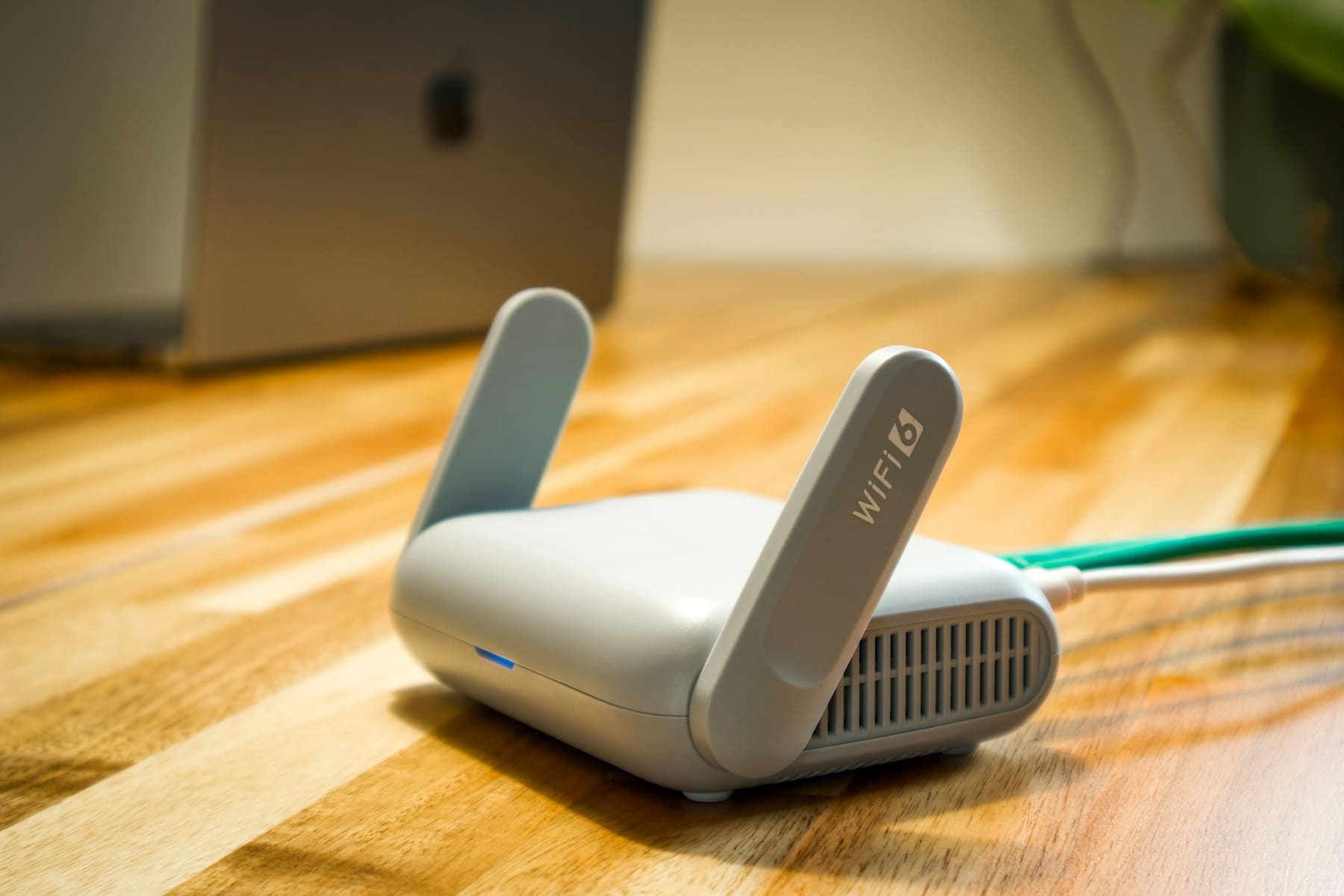
WIRELESS & WIRED NETWORKING
Whole-home Wi-Fi placed against the building, wired backhaul to the positions that matter, and separate networks for the…
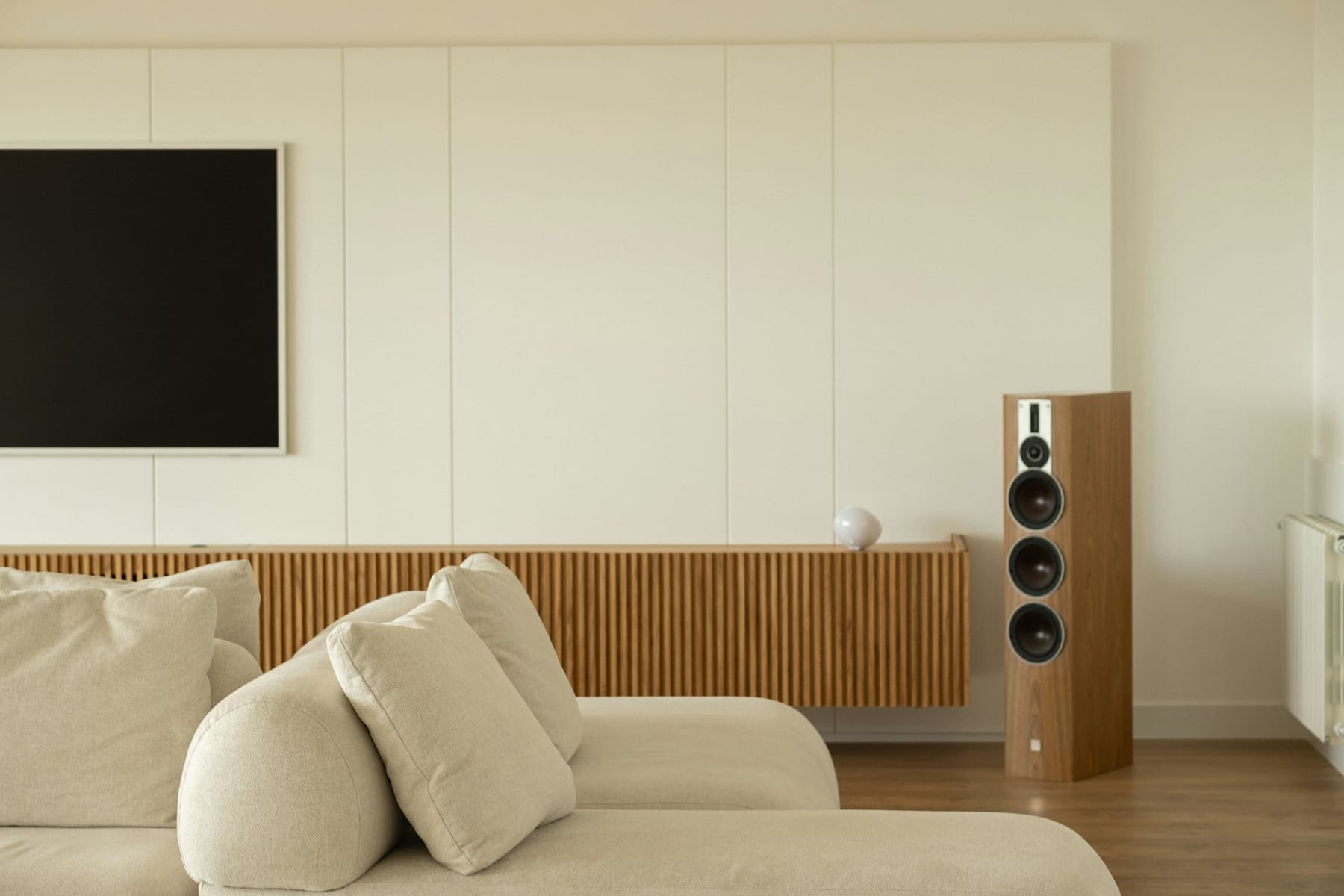
INDOOR & OUTDOOR AUDIO
Multi-zone audio built into the fabric — in-ceiling and in-wall indoors, weather-rated speakers outside, every zone under one app.
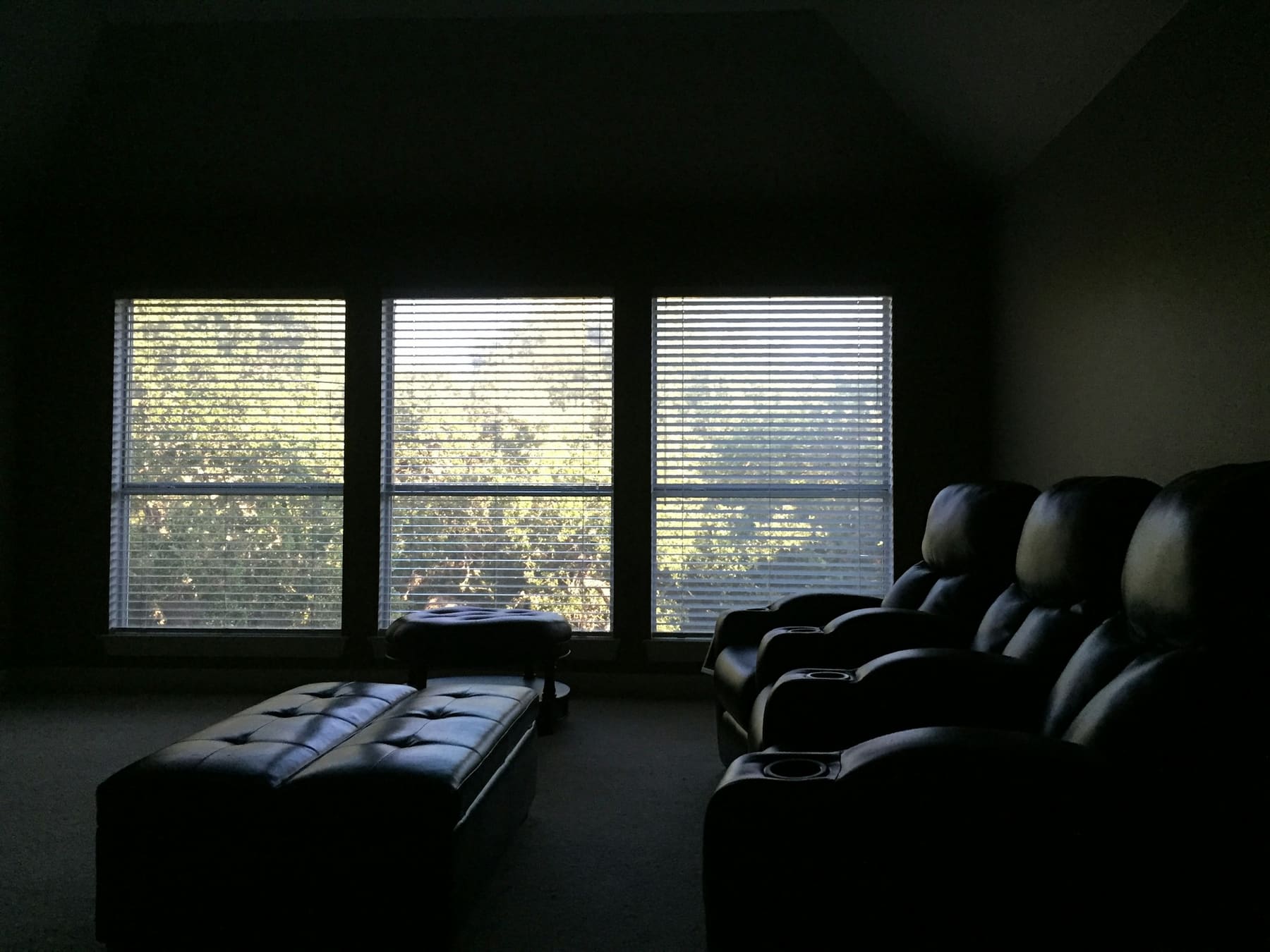
THEATRE ROOM SETUPS
Sightlines, acoustics and light control settled first, then the projector, screen and surround layout that suit the room you…
NVR & SECURITY SOLUTIONS
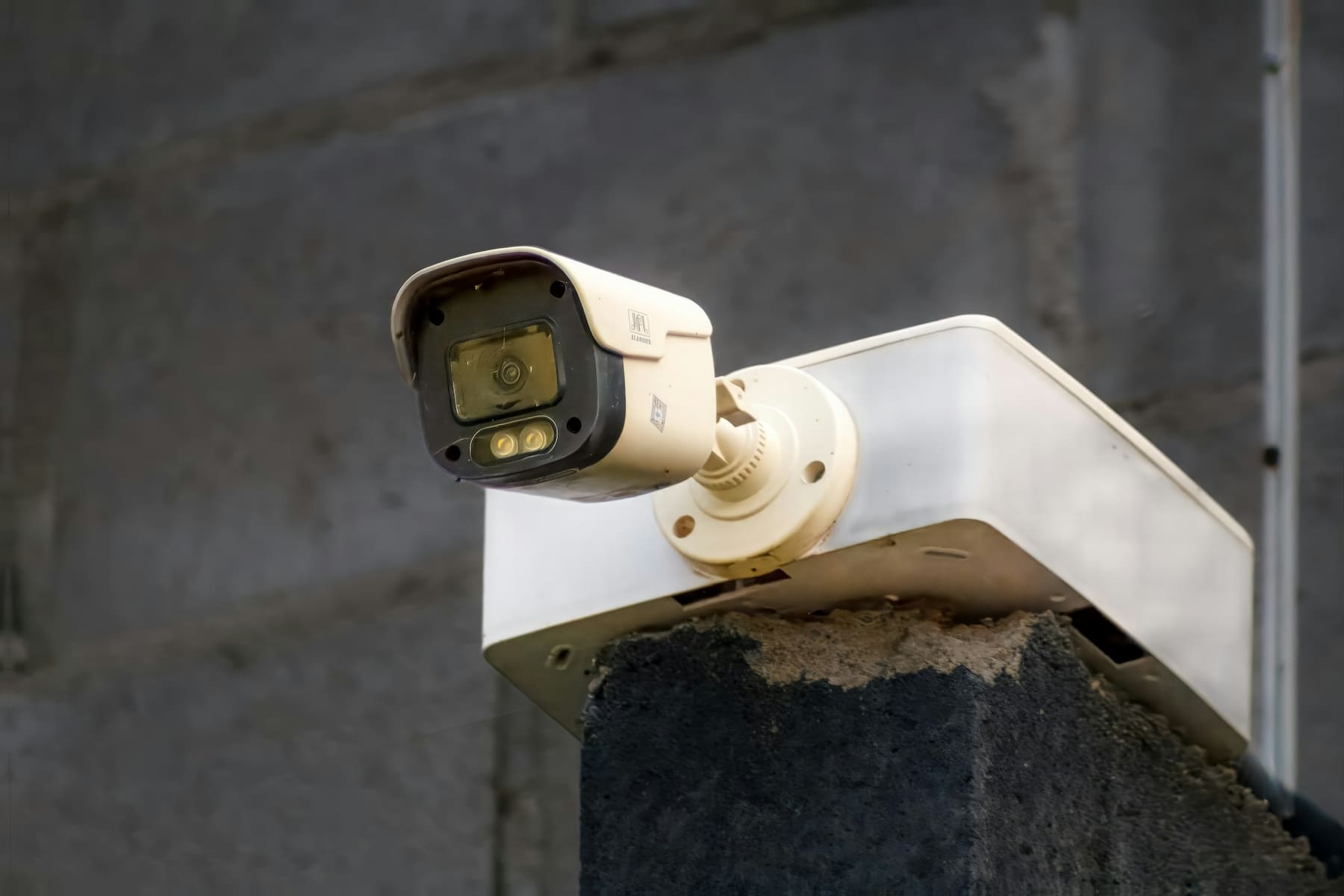
Coverage designed against the property, recorded to an NVR you own, isolated from the household network, with encrypted remote…

Want to learn more?
Let’s design the room around the way you work
Tell us about the space and we’ll put an AV specialist on it — no obligation, no pricing games.
Frequently Asked Questions
Questions about retrofitting an occupied house, where camera footage lives, or how residential work differs from our commercial projects?
The answers below cover how we scope a home project, what can be done without opening walls, which parts need cabling and which do not, and what changes hands when the work is finished.
Do you work on homes as well as commercial projects?
Yes. Most of this site describes boardrooms, control rooms and office networks, and the residential work uses the same engineers and the same method — survey the building, design against it, install, commission, document.
What differs is the constraints. A house has no comms room, no accessible ceiling grid and no tolerance for visible cable containment, and the people using it did not sign off a specification. So the design work leans harder on making the equipment disappear and on making the controls legible to someone who was not in the handover meeting.
Projects range from a single theatre room or a camera system up to a whole-house fit-out. Tell us the scope and we will scope it honestly.
How is this different from your Office Network pages?
The discipline is the same; the building and the users are not. Our Office Network section covers structured cabling, managed switching, firewalls and VPN for a commercial floor — a comms room, hundreds of ports, and an IT team to hand over to.
Residential networking solves a different problem: whole-home coverage through solid walls and awkward extensions, a household that is streaming and gaming rather than joining calls, and no rack room to hide equipment in. The kit is smaller and the wireless design matters more, because in a house almost everything connects over Wi-Fi.
If you are specifying for an office rather than a home, start at Office Network instead.
Can you retrofit an occupied house without tearing up the walls?
Usually, yes — and it is most of what we do. Cable routes through lofts, floor voids, service risers and existing conduit get us to more positions than people expect, and we make good where we do have to open something.
The honest answer is that some positions cost more disruption than they are worth. In those places we would rather put a well-sited wireless access point than chase a cable across a finished ceiling. We will tell you which is which at survey, before you commit to anything.
If the house is being renovated, first-fixing while the walls are open is far cheaper than any of this, so it is worth talking to us early.
Do I need a dedicated room for a home theatre?
No, though a dedicated room lets you control the two things that matter most: light and acoustics.
In a multi-purpose living room we design for the light you actually have — which usually means a television or a laser projector with an ambient-light-rejecting screen rather than a traditional projector — and we treat what we can without turning the room into a studio.
In a dedicated room, we can settle sightlines, seating distance, treatment and blackout first and get considerably more out of the same budget. Either way the room's dimensions drive the screen size and speaker layout, not the other way round.
Where is camera footage stored, and is there a subscription?
On a network video recorder in your house, sized for the number of cameras and the retention period you want to keep. The footage is on your hardware, and it keeps recording if the internet drops.
Remote viewing is set up over an encrypted connection so you can check the cameras from your phone without the recorder being exposed to the open internet. That does not require a monthly fee to us.
Some camera platforms sell optional cloud services on top. We will tell you plainly which features are genuinely useful and which are a subscription for something your recorder already does.
Which automation and audio platforms do you work with?
We specify to the house rather than to one manufacturer, and we will recommend a platform based on what the project needs — the scale of the lighting and shading, whether it has to integrate with kit you already own, and how much you want to be able to change yourself later.
What we will not do is design you into a system only we can maintain. The platform choice, the settings and the documentation are yours, and another competent integrator should be able to pick it up.
If you have already invested in a particular ecosystem, say so at the first conversation — building around it is usually better value than replacing it.
What happens after installation?
We commission the system rather than just switching it on: audio levels calibrated per zone, theatre picture and sound measured and set, wireless coverage verified room by room, camera angles and motion zones tuned.
Then we sit down with the household and go through it, because a system nobody can operate is not finished. Settings almost always want adjusting once you have lived with them for a few weeks, and that revisit is expected.
You keep the documentation — network details, zone plans, settings and as-installed notes. Ongoing support is available if you want it, and optional if you do not.
Request a Quote
Need expert help? We’ve got you covered — from strategy to setup.
Fill out the form to schedule a FREE consultation with one of our AV experts. Whether you need conferencing, control, KVM, AV-over-IP, or outdoor tech solutions — we’ve got you covered. We’ll connect you with a specialist to design the right setup for your space. A member of our team will reach out to you soon.