Built for the platform you already run
We are platform-agnostic by design: whichever conferencing service your organisation has standardised on, we specify hardware certified for it so joining a meeting stays a single tap.
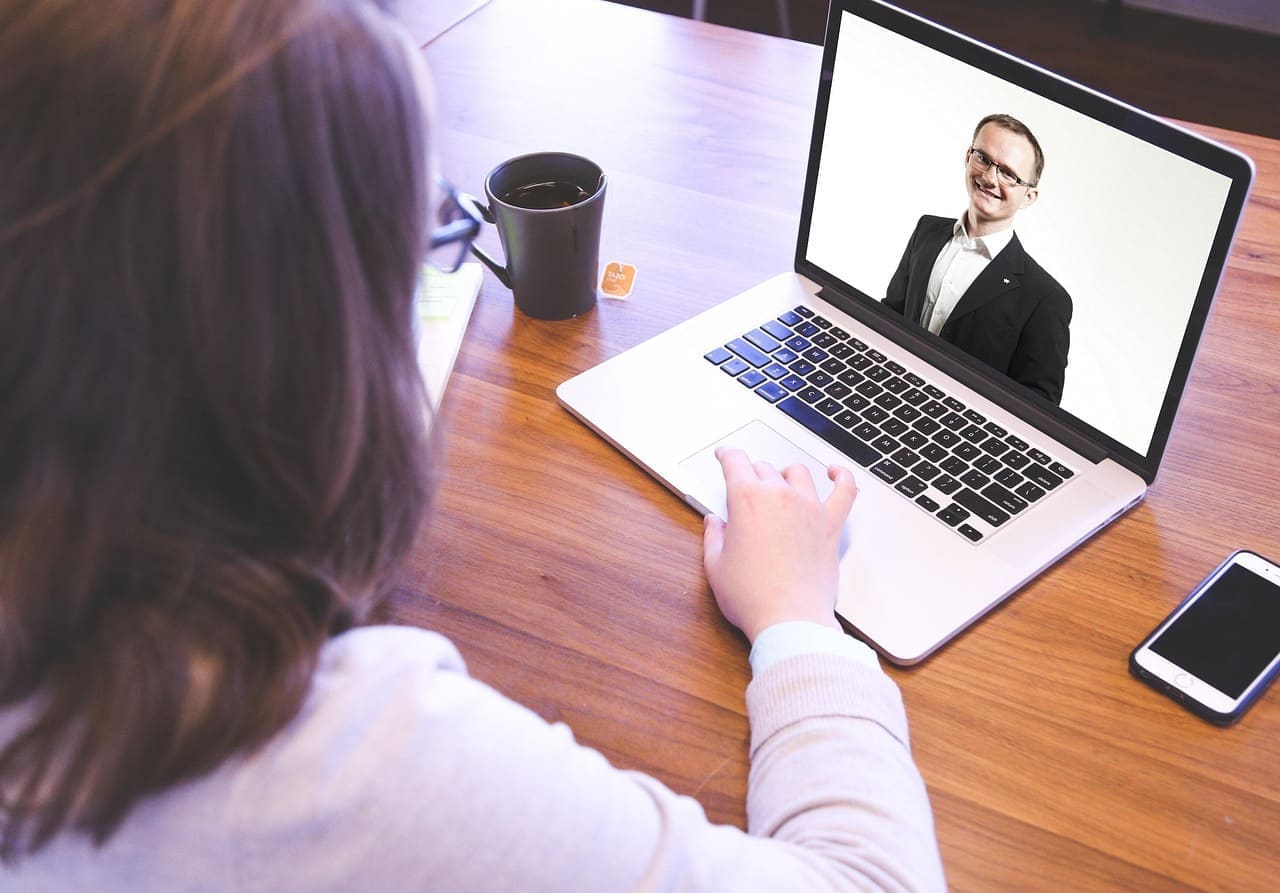
Microsoft Teams
What we deliver:
If your team uses Microsoft Teams, we’ll outfit your rooms with fully compatible Google Meet hardware — simple, reliable, and ready to go.
- Teams-certified hardware kits from brands like Logitech, Poly, and Crestron
- Auto-framing cameras and beamforming mics for clear communication
- Calendar integration and touch controls

Zoom
What we deliver:
We set up certified Zoom Rooms with all the hardware and features you need for smooth, high-quality meetings.
- Zoom-certified cameras, mics, and touch controllers
- One-touch join, screen sharing, and calendar integration
- Support for single or dual displays
- Room scheduling panels outside the door
Google Meet
What we deliver:
We set up Google Workspace compatible hardware with all the features you need for smooth, high-quality meetings.
- Google Meet room kits (Lenovo, Logitech, Asus, etc.)
- Tap-to-join meeting controls and content sharing
- Easy management through Google Admin Console
- Integrated room scheduling
Want to learn more?
Let’s design the room around the way you work
Tell us about the space and we’ll put an AV specialist on it — no obligation, no pricing games.
Frequently Asked Questions
Got questions about room setup, video conferencing systems, or AV equipment requirements?
Find expert answers on everything from essential device checklists and video conferencing equipment costs to choosing between projectors vs. displays and configuring Microsoft Teams Rooms. Dive in to learn how to build a reliable, high-performance conference space.
What are the best ways to support hybrid teams in large spaces?
Supporting hybrid teams in large rooms like conference rooms, auditoriums, or amphitheaters requires a strategic AV setup that prioritizes both in-room engagement and remote visibility. The most effective setups integrate:
AI-powered conferencing cameras for intelligent speaker tracking and clear framing Ceiling microphone arrays for consistent audio pickup across the room Dual-display configurations to share content and remote participant views simultaneously Touch panel control systems to manage inputs, lighting, and conferencing platforms from a single interface
For larger venues like auditoriums or atriums, we also recommend distributed sound systems and multi-camera systems to maintain AV clarity across large areas.
Explore our AV solutions for hybrid teams or learn more about specific room types to find the right fit for your use case.
Are your AV systems scalable for growing organizations?
Scalability is built into how we approach AV design. Our solutions use modular, future-ready hardware and software that adapt as your needs evolve. Whether you're equipping a single meeting room or expanding across multiple lecture spaces, conference areas, or open atriums, we make it easy to grow without starting over. Our systems support: Multi-room deployments with centralized control Interoperability with Microsoft Teams, Zoom, and Google Meet Flexible AV configurations tailored to team size and collaboration style
Explore how we help teams scale through AV automation services and partnerships with trusted brands like Logitech, Crestron, and Poly.
Can we integrate new AV equipment into an existing Zoom or Microsoft Teams environment?
Absolutely. We specialize in platform-agnostic AV integration, meaning we can upgrade your hardware without disrupting your workflow. Most of our AV devices and systems are certified for seamless compatibility with: Microsoft Teams Rooms Zoom Rooms Google Meet BYOD (bring your own device) setups
Whether you're outfitting a huddle room or upgrading an executive boardroom, our team ensures your AV gear integrates smoothly with your existing conferencing platform.
Explore AV solutions for Microsoft Teams or Zoom-compatible devices to get started.
How can we future-proof our AV technology?
Future-proofing your AV setup means choosing scalable, software upgradable, and interoperable technologies that adapt as your needs change. We recommend: Using open architecture systems like Crestron or Q-SYS for centralized control Selecting devices with firmware support and OTA (over-the-air) updates Incorporating 4K-ready displays, AI-enabled cameras, and cloud-based management tools
We also help clients plan for future expansion by designing rooms with flexible connectivity, hidden conduits, and modular AV furniture. Read our guide to future-proofing your AV investment or browse recommended AV devices by type.
Do we still need a touch controller if employees use BYOD laptops?
Yes — a centralized AV touch controller improves ease of use and reduces downtime, even in BYOD environments. With a touch controller: Users can start meetings, manage inputs, and adjust audio-visual settings without relying on a personal device. IT teams can enforce consistency and monitor system health remotely. You streamline collaboration across multiple spaces with one-touch join, room presets, and intuitive UI.
For smaller rooms like huddle spaces, you might opt for simplified touch control, but in larger rooms, the benefits are critical. See our touch panel control devices for seamless BYOD compatibility.
Is a TV or a projector better for my workspace?
It depends on your room size, lighting, and intended use. For small-to-medium rooms, a high-resolution TV display offers sharp visuals, low maintenance, and seamless integration with video conferencing systems.
For larger rooms or spaces with bright ambient lighting, a laser projector or LED video wall may provide better visibility across longer distances. These professional-grade solutions are ideal for presentations, client meetings, or training sessions in lecture rooms and auditoriums.
Check out our conference room display solutions to compare setups and see which fits your space best.
What sustainable options exist for reducing AV energy consumption?
Sustainability is increasingly important in AV design. We offer several ways to reduce the energy footprint of your AV systems: Automated scheduling and room occupancy sensors to reduce unnecessary usage Power-saving modes on displays, speakers, and control systems Low-voltage AV over IP systems, which reduce power draw across distributed networks LED-based displays and laser projection, which consume less energy and last longer than traditional tech
Our team can help you design an eco-conscious system that aligns with your company’s sustainability goals. Learn more about energy-efficient AV design and automated AV solutions here.
Can’t Find What You’re Looking For?
Not every setup fits into a neat category — and that’s exactly what we’re here for. We’ll help you create a fully tailored AV installation that works for your team, your layout, and your budget.
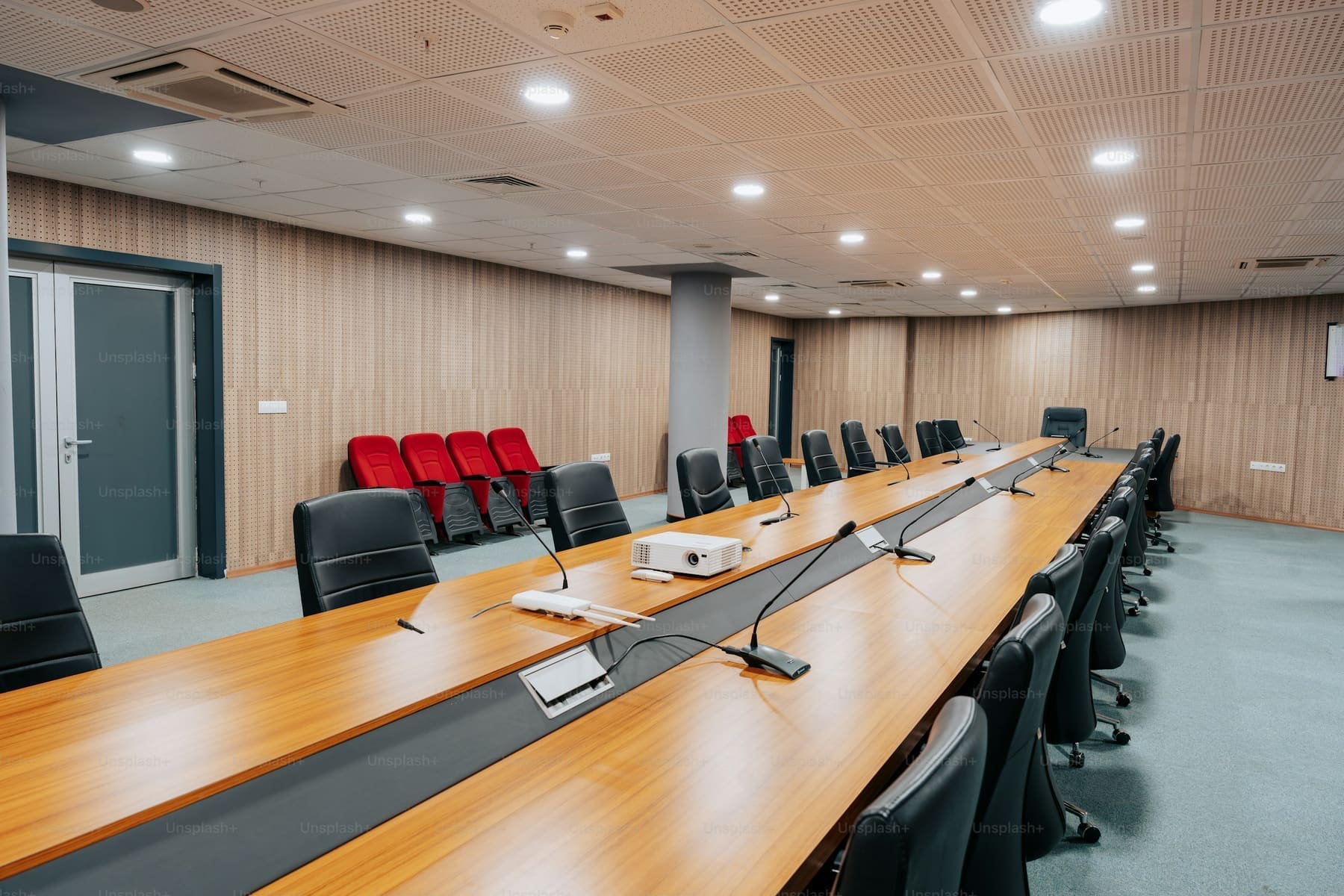
Request a Quote
Need expert help? We’ve got you covered — from strategy to setup.
Fill out the form to schedule a FREE consultation with one of our AV experts. Whether you need conferencing, control, KVM, AV-over-IP, or outdoor tech solutions — we’ve got you covered. We’ll connect you with a specialist to design the right setup for your space. A member of our team will reach out to you soon.