KVM Solutions
At Princeton Pro AV, we offer reliable KVM (Keyboard, Video, Mouse) solutions that simplify server management and improve IT efficiency. Our analog and IP-based KVM switches enable secure, real-time control of multiple servers from a single workstation.

Our KVM Product Families
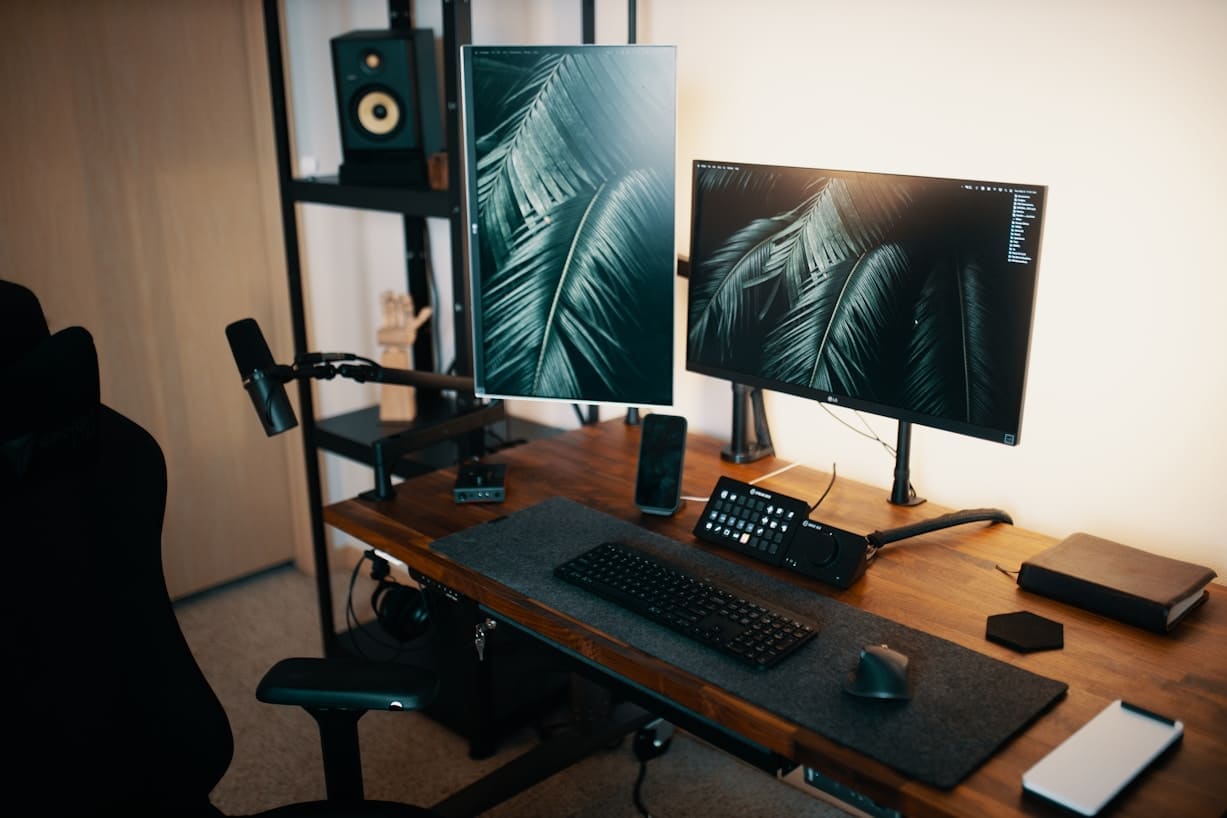
KVM Switches
Whether you are managing a home workstation, a corporate server rack, or an enterprise-grade command center, we offer KVM switches…

KVM Extenders
Featuring premium products from trusted top brands, our selection of KVM extenders will amplify workspace efficiency, delivering…
KVM Consoles
Our KVM consoles provide administrators with direct, secure access to multiple systems in a compact, rack-friendly design,…
How We can help any business of any kind??
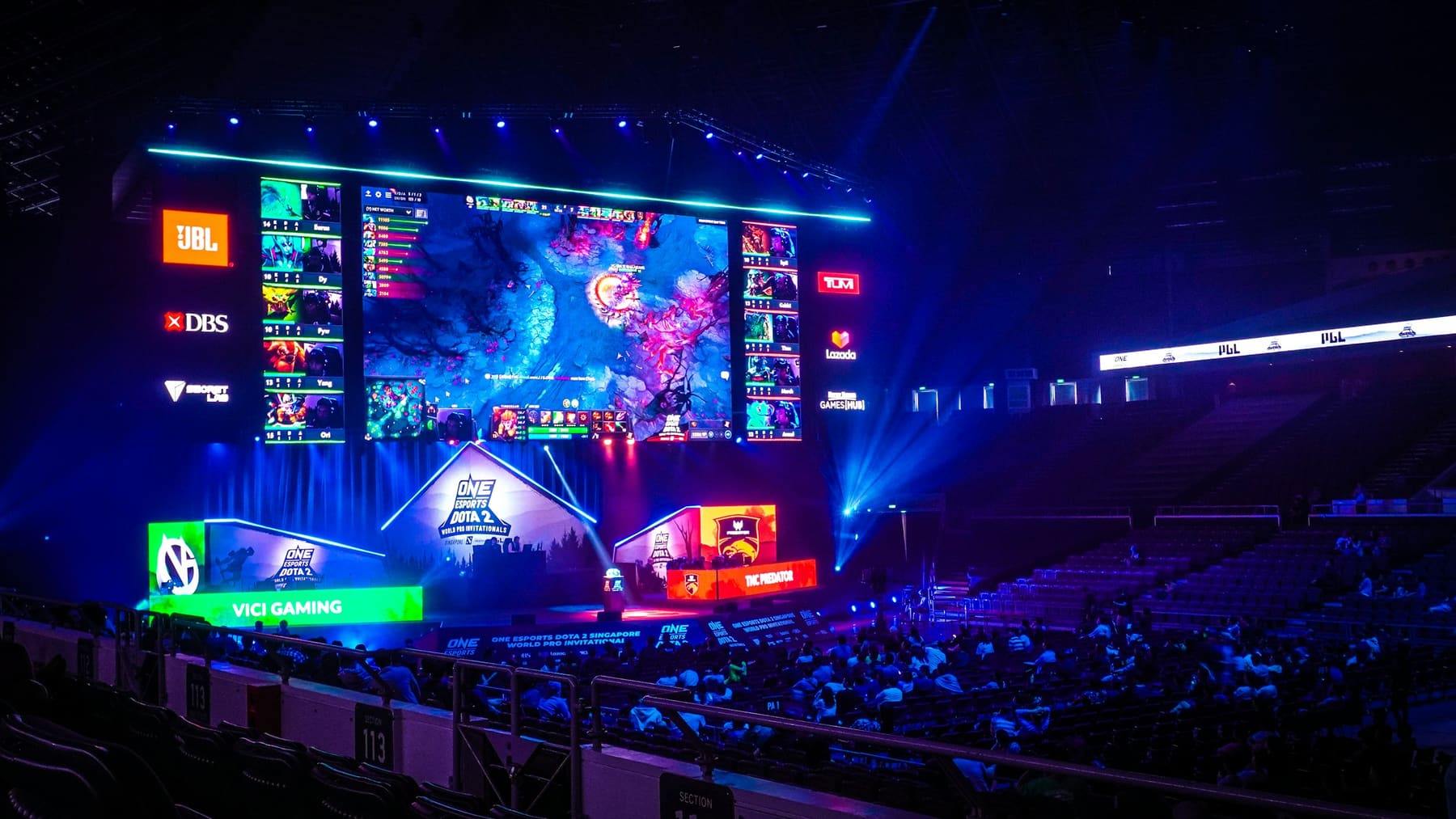
Defense
Our AV systems enable rapid response as fiber-based KVM extenders push zero-latency 4K video from classified servers to command-and-control desks, delivering split-second visibility while preserving TEMPEST-level isolation and multi-factor secure access.

Healthcare
Enhance critical healthcare operations with Medical-grade KVM switches route PACS imaging, EMR dashboards, and tele-surgery streams instantly while isolating patient data, shrinking workstation footprints, and supporting HIPAA and IEC 60601 compliance.

Surveillance
Deploy KVM-over-IP extenders to stream low-latency HD camera feeds into the control room, giving operators encrypted, single-console control for 24/7 situational awareness and forensic-grade evidence capture.
Finance & Accounting
Elevate financial operations with secure KVM matrix switches. Let traders and analysts flip between trading engines and compliance servers from one desk, cutting desktop clutter, speeding trade execution, and meeting PCI-DSS data-segregation rules.
Public Safety
Emergency operations centers rely on resilient KVM consoles to aggregate CAD, GIS, and body-cam systems onto one workstation, enabling dispatchers to coordinate faster and maintain uptime during mission-critical events.
Utilities & Energy
Optimize utilities and energy with real-time monitoring and secure communication systems. Redundant KVM matrices unify SCADA, DCS, and GIS views across substations, so grid operators can switch between remote assets, isolate faults quickly, and maintain safe oversight in high-risk environments.
Why Choose Our KVM Solutions
Unified Control from Anywhere
Streamline access to all your critical systems with powerful KVM switch solutions — including IP-based models for secure remote management. Whether you're in the control room or off-site, stay connected to every server with real-time responsiveness.
Scalable Integration for Growing Networks
Our modular KVM systems adapt effortlessly to enterprise IT environments, allowing seamless scaling from desktop setups to full data center deployments. Support for multi-user, multi-system access makes expansion simple and future-ready.
Centralized IT Management
Centralize and manage all your sources through a single interface, enabling administrators to control multiple systems from one unified dashboard. Improve operational efficiency, reduce complexity, and minimize error with KVM switch and console solutions tailored to your team.
Enhanced Security and Control
Secure and safeguard sensitive data and ensure regulation with a KVM setup designed for your industry needs, including data, healthcare, finance, and even government. Explore features such as user authentication and access logging for an added layer of protection.
Empowering Your AV Tech Journey
We simplify the complexities of AV integration and conferencing technology solutions to support your digital transformation and hybrid workplace.

Cost Effective
Our ROI driven AV systems and conferencing tools designed to boost productivity and lower operating costs.

Innovative Technology
We partner with industry-leading brands like Logitech, Poly, and Crestron to deliver cutting-edge conference room technology.

Support
Dedicated, personalized, and responsive support — our AV specialists are here to assist.

Optimized Solutions
No one-size-fits-all. We design every solution to match your space, your goals, and your team’s way of working.

Want to learn more?
Let’s design the room around the way you work
Tell us about the space and we’ll put an AV specialist on it — no obligation, no pricing games.
Frequently Asked Questions
Got questions about system setup, video displays, or AV equipment requirements?
Find expert answers on everything from essential device checklists and video conferencing equipment costs to choosing between projectors vs. displays and configuring Microsoft Teams Rooms. Dive in to learn how to build a reliable, high-performance workspace.
What’s a KVM Extender and how is it used?
A KVM (Keyboard, Video, Mouse) Extender is a device that allows you to control a computer, or multiple computers, from a remote location, using a keyboard, video monitor, and mouse, even when the computer is hundreds of feet away. The device does this by transmitting signals over long-distance cabling like Cat5/Cat6 Ethernet or fiber optics cabling, allowing operations to take place almost anywhere.
As a result, the KVM Extender has many use cases: Server rooms: keeps noisy, heat-producing equipment away from workspaces Broadcasting: operate editing or playback systems from a quiet control room Industrial facilities: keeps sensitive systems protected and clean in a safe zone
Interested in optimizing your workspace efficiency with KVM Extenders? Explore our products to find your best fit.
What is a KVM setup good for? Why should I have a KVM setup?
A KVM setup allows administrators to control multiple computers or servers from a single keyboard, video monitor, and mouse, which has many advantages, especially in workplaces like data centers.
Some key advantages include: Switch easily between systems with the push of a button Save space as one monitor, keyboard, and mouse is needed Lower hardware costs with no need for peripherals for every system Boost productivity with faster workflows Flexible deployment as KVM works with macOS, Windows, Linux, etc.
Ready to accelerate your team’s performance? Connect with us to find the best setup for you.
What is the difference between a KVM switch and a KVM extender?
Though often used together, a KVM switch and KVM extender are designed for different functions within a KVM configuration.
A KVM switch allows the user to manage multiple computers or servers from a single location, mainly used for consolidating control. In contrast, a KVM extender allows the user to access one system from a remote location, enabling long-distance control.
While they serve different purposes, both devices can be integrated into a complete KVM system. With Princeton Pro AV Services, you don’t have to worry about the technical differences — just enjoy the seamless performance and convenience of a fully optimized setup. Contact us for more information on a setup perfectly tailored to you and your team’s needs,
What is the difference between a KVM switch and a serial console?
The key differences between a KVM switch and a serial console are the access types and use cases.
A KVM switch lets the user control multiple servers or computers from a single keyboard, monitor, and mouse, making it best for when the user needs full, visual access like performing tasks that require a graphical interface (GUI).
A serial console allows the user to access and manage network devices or systems that have no monitors via serial ports, so It’s best for managing networking hardware (Cisco routers/switches) and troubleshooting when network is unresponsive.
Explore more specific KVM switches for your workstation. Have more questions? Contact us for more information.
How do I connect and configure a KVM switch to my existing computer setup?
Connecting and configuring a KVM switch depends on a few key factors, including how many systems you plan to manage and what type of KVM hardware you’re using. Some considerations before you setup: How many computers or servers you need to control? Desktop or Rackmount KVM switch? What video and USB/PS2 connections do your systems support? At Princeton Pro AV, our KVM experts handle every step, from selecting the right hardware to full configuration and deployment, so you can focus on what matters most: running your systems efficiently. Need help choosing the right KVM switch or setting it up? Contact us anytime for expert support.
Which KVM switch, console, and extender should I choose?
Which KVM setup you need depends on your specific environment, how many systems you are managing, and how you need access to them. Smaller offices with maximum of 4 computers at a desk might need a desktop KVM switch, whereas a larger facility holding over 10 servers might need a rackmount KVM switch. These considerations also apply to chooding the best console and extender for your work environment.
Explore our products to get a full understanding of what setup you might need for your workspace.
Already have an idea, and are looking for more details? Consult with us to get the full picture of what you might need and how to achieve your optimal workstation.
Can KVM Hardware be used with Windows and macOS operating systems?
Yes, most KVM hardware is designed to be compatible with Windows, macOS, and even Linux systems.
KVM Switches: typically work at the hardware level by emulating standard USB keyboard and mouse inputs and supporting common video signals (HDMI, DisplayPort, DVI, VGA), making them compatible with Windows, macOS, Linux, etc.
KVM Extenders: simply extend keyboard, video monitor, and mouse signals over long distances via network cabling, making them platform-independent and work seamlessly with any system that supports USB and video output.
KVM Consoles: provide integrated access through built-in monitor, keyboard, monitor, and mouse, which is also designed to work across different operating systems.
Can’t Find What You’re Looking For?
Not every setup fits into a neat category — and that’s exactly what we’re here for. We’ll help you create a fully tailored AV installation that works for your team, your layout, and your budget.
Request a Quote
Need expert help? We’ve got you covered — from strategy to setup.
Fill out the form to schedule a FREE consultation with one of our AV experts. Whether you need conferencing, control, KVM, AV-over-IP, or outdoor tech solutions — we’ve got you covered. We’ll connect you with a specialist to design the right setup for your space. A member of our team will reach out to you soon.