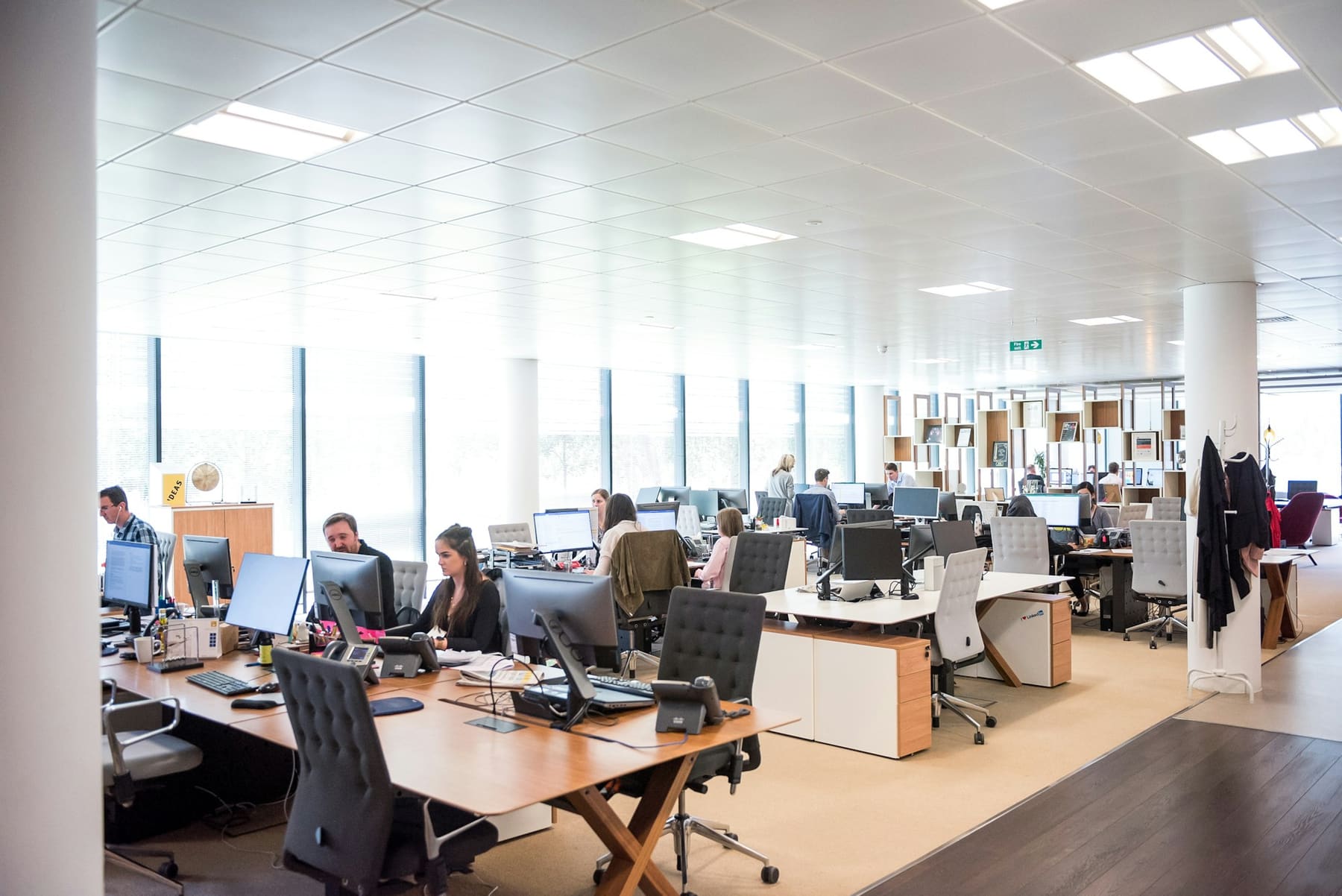
Office Network
Wireless Networking
Wi-Fi that holds up when the room is full. We survey the space before we quote it, place access points against the building rather than a grid, and tune channels, power and roaming so a call carried from a desk to a huddle room does not drop on the way.
Get a QuoteWhat we offer
Predictive & On-Site Surveys
Coverage modelled against your floor plan and construction, then validated on site. Concrete cores, glass partitions and metal shelving are found before the access points are ordered, not after.
Wi-Fi 6, 6E and 7
Current-generation access points specified for device density and the 6 GHz band, so a full conference room does not degrade the floor around it.
Roaming & Band Steering
Fast roaming, channel plans and transmit power tuned across the estate so mobile devices hand off cleanly instead of clinging to a distant access point.
Guest & Staff Separation
Separate SSIDs mapped to separate VLANs, with a captive portal for visitors and certificate or credential-based access for staff devices.
What a Wireless Build Includes
Coverage designed against your building, then measured in it — because a plan that works on paper still has to work through a concrete core.
What Princeton Pro AV has to offer:
Our Wireless Networking Checklist:
- Predictive survey against the floor plan, validated with an on-site walk test
- Access point placement and mounting that accounts for construction, not just square footage
- Wi-Fi 6/6E/7 access points specified for device density in the busiest rooms
- Channel plan, transmit power and roaming thresholds tuned across the whole estate
- Separate guest and staff SSIDs mapped to their own VLANs
- Post-install validation report showing measured coverage and throughput
Explore the Network Stack
Cabling, switching, wireless, perimeter and support are usually scoped as one project — but each layer has its own design decisions. Here is what each covers.
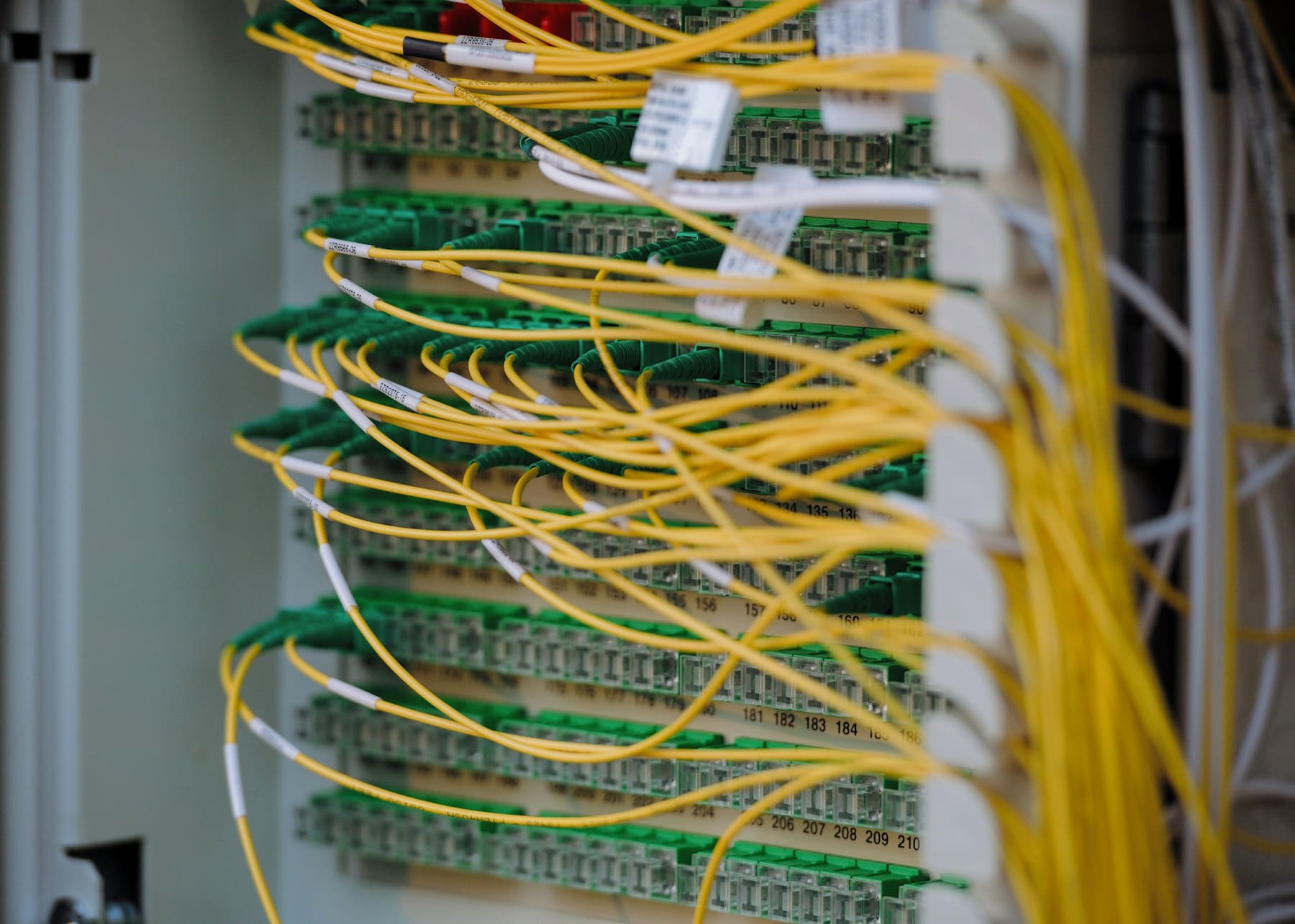
WIRED NETWORKING
Structured cabling, patching and managed switching sized for the ports, PoE and uplinks the building actually draws — certified,…
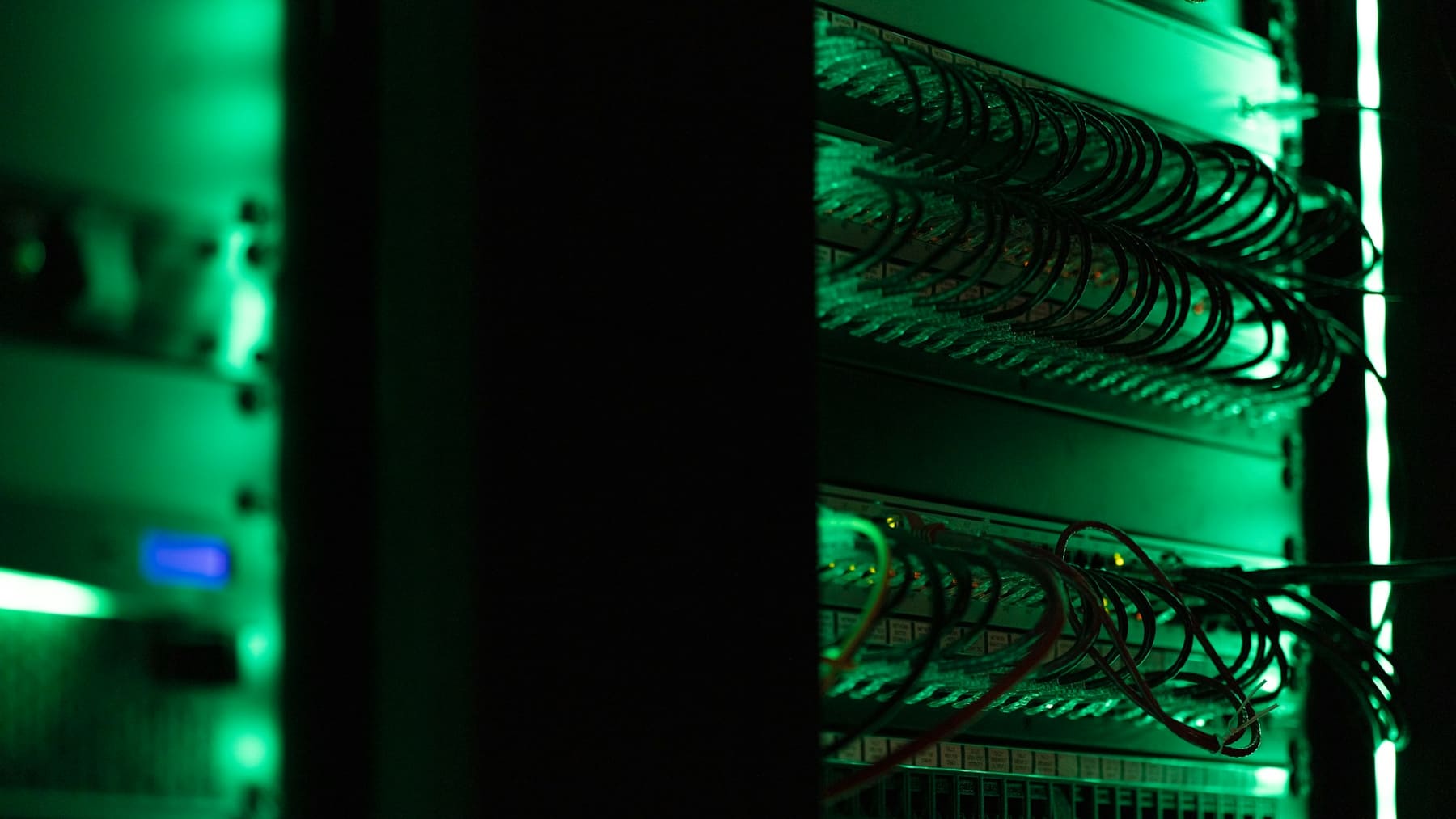
FIREWALL & NETWORK SECURITY
Firewall setup, internal segmentation, intrusion prevention and content filtering — built from a written policy and handed over…

VPN & REMOTE ACCESS
Client VPN with multi-factor authentication, site-to-site tunnels between offices, and time-boxed vendor access to named systems.
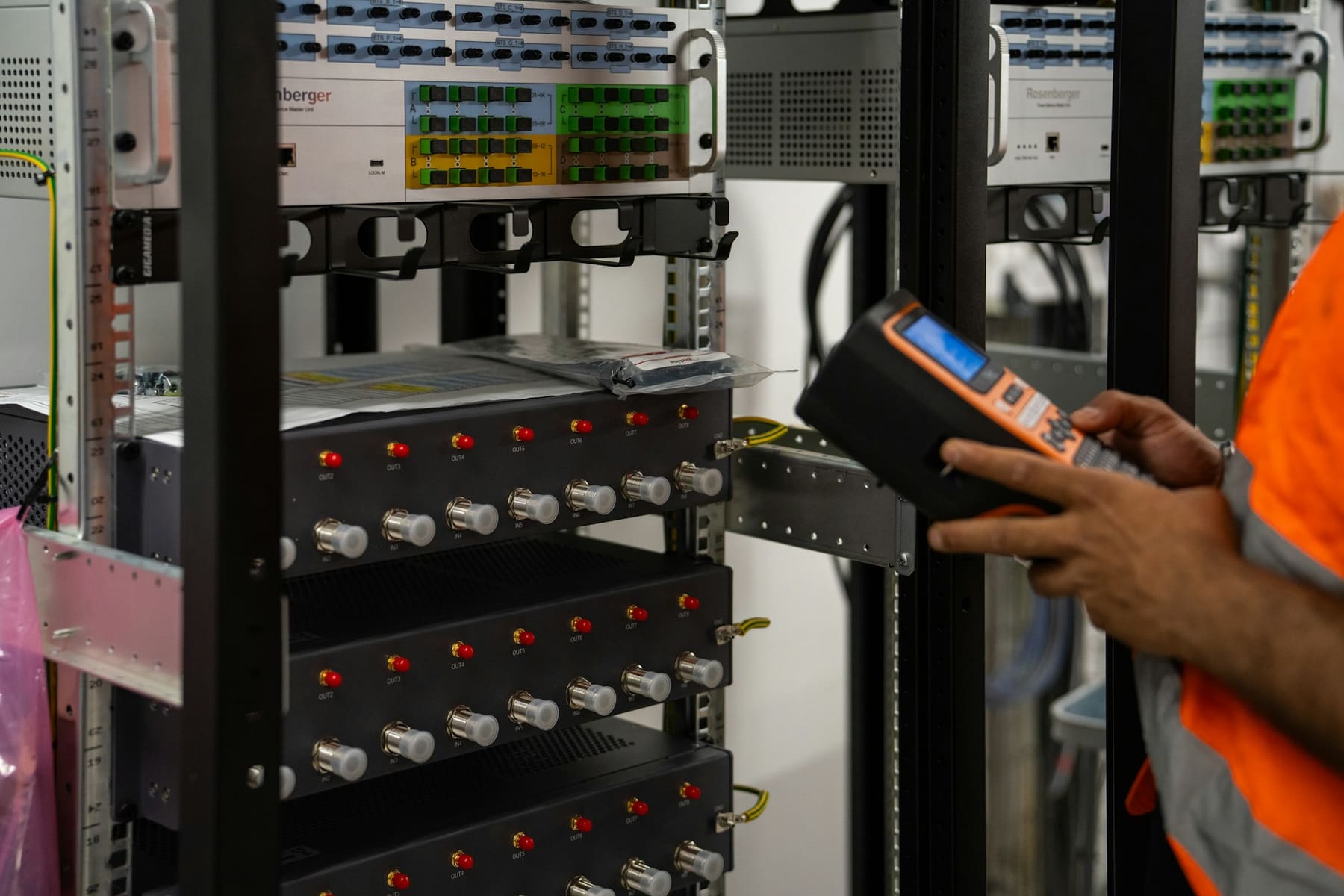
NETWORK MONITORING & SUPPORT
Continuous polling, alerting ahead of outages, scheduled firmware windows and live as-built documentation, backed by engineers who…

Want to learn more?
Let’s design the room around the way you work
Tell us about the space and we’ll put an AV specialist on it — no obligation, no pricing games.
Frequently Asked Questions
Questions about cabling, Wi-Fi coverage, firewall configuration or who owns the network after handover?
The answers below cover how we scope an office network, what a firewall setup actually involves, how wired and wireless work together, and what changes hands when the project closes.
Do you set up firewalls, or only the cabling and Wi-Fi?
We do the whole layer, firewall included. That means specifying an appliance sized to your throughput and user count, installing it at the edge, building the rule base from a default-deny position, segmenting the internal network behind it, and configuring intrusion prevention, DNS and content filtering to your policy.
We also set up logging and retention so an incident can be investigated after the fact, take a configuration backup, and agree a change process with whoever will own it day to day.
The configuration is documented and handed to you. If you have an existing security partner or an internal IT team, we work to their standard rather than around it.
How is this different from your AV Over IP pages?
AV Over IP is about carrying audio and video across a network — encoders, decoders and the AV-specific switching that distribution needs. Office Network is the network itself: the cabling, the switching, the Wi-Fi and the firewall that every system in the building shares, AV included.
In most projects they are one piece of work. The same cabling design serves desks, cameras, access points and AV endpoints, and the same VLAN plan keeps AV traffic from contending with everything else. Scoping them together is usually cheaper and always more reliable than treating them as two projects.
Do I need a wireless survey, or can you just quote access points?
We survey. Quoting access points by floor area is how buildings end up with dead spots behind a lift core and three access points fighting over the same channel in an open-plan corner.
Our process is a predictive survey against your floor plan and construction details, then an on-site validation walk. That produces a placement plan, a channel and power plan, and a mounting schedule. After installation we walk the space again and hand over a report showing measured coverage and throughput, so what was promised is what you can verify.
What cabling do you install?
Cat6 or Cat6A copper to desks, access points, cameras, panels and AV endpoints, and OM4 fibre for backbone runs between comms rooms and floors. The choice depends on run lengths, the PoE draw of the connected devices, and the uplink speeds you expect to need over the life of the fit-out.
Every run is terminated in a labelled patch panel and certified with a test result you keep. You also get an outlet register and a port schedule, so the next change is a lookup rather than another survey.
Can you work with our existing IT team or managed service provider?
Yes, and it is common. We can take the physical layer and the design while your team retains policy and administration, or run the whole thing and hand over to them at a defined point.
What we ask for is a single technical contact and agreement on standards — addressing, naming, VLAN allocation and firewall change control — before we start configuring. What you get is documentation in a form your team can pick up, not a black box.
Will installing a new network mean downtime?
Usually very little, and it is planned. New cabling and switching go in alongside what is already running, so the cutover is a scheduled window rather than a day of outage. Firewall replacements are staged with the new policy tested before the change, and a documented rollback if it does not behave.
Where downtime is genuinely unacceptable we design high-availability pairs at the edge and dual uplinks from the access layer, so a single failure — or a single maintenance window — does not take the floor down.
Who owns the configuration after the project?
You do. At handover you receive as-built diagrams, the IP schedule, VLAN and port maps, firewall rule notes, wireless survey results and configuration backups.
We would like to keep supporting the network, and most clients take a monitoring and maintenance agreement. But that should be because the support is worth having, not because nobody else can read the configuration.
Request a Quote
Need expert help? We’ve got you covered — from strategy to setup.
Fill out the form to schedule a FREE consultation with one of our AV experts. Whether you need conferencing, control, KVM, AV-over-IP, or outdoor tech solutions — we’ve got you covered. We’ll connect you with a specialist to design the right setup for your space. A member of our team will reach out to you soon.