Partner Brand
Yealink AV Solutions
Broad, value-oriented conferencing hardware certified across the major platforms. A practical fit when many rooms need equipping to a consistent standard.
Get a QuoteWhat we use Yealink for
These are the device categories where Yealink is our default recommendation.
- Conference Camera
- Speaker Phone
- Room Schedule Panel
Current Yealink Lineup
Yealink is the practical answer to equipping a lot of rooms at once. Certification across the major platforms, a consistent controller, and a price position that makes a thirty-room rollout arithmetic rather than a negotiation.
MeetingBar A30
- Medium rooms, with a dual-eye camera system
- 10x hybrid zoom paired with a 4K 120° wide camera
- Auto framing and speaker tracking as standard
MeetingBar A40
- Large rooms, with 133° wide-angle AI framing
- Replaces the discontinued A20 in the current range
- Teams Rooms and Zoom Rooms modes on one device
SmartVision 60
- Centre-of-table 360° camera and microphone unit
- Frames every seat individually around a round table
- Deploys with the MVC S60 system for medium rooms
CTP18 Touch Panel
- 18-inch touch console for control and content sharing
- One-touch join with the room's calendar on screen
- Wireless sharing without an adapter
VCH51 Sharing Box
- Wired BYOD path into the room system
- A guest laptop uses the room's camera and microphones
- The fallback when someone's meeting is on a platform the room is not
Solutions by Room
Where Yealink hardware fits best across the spaces we outfit.
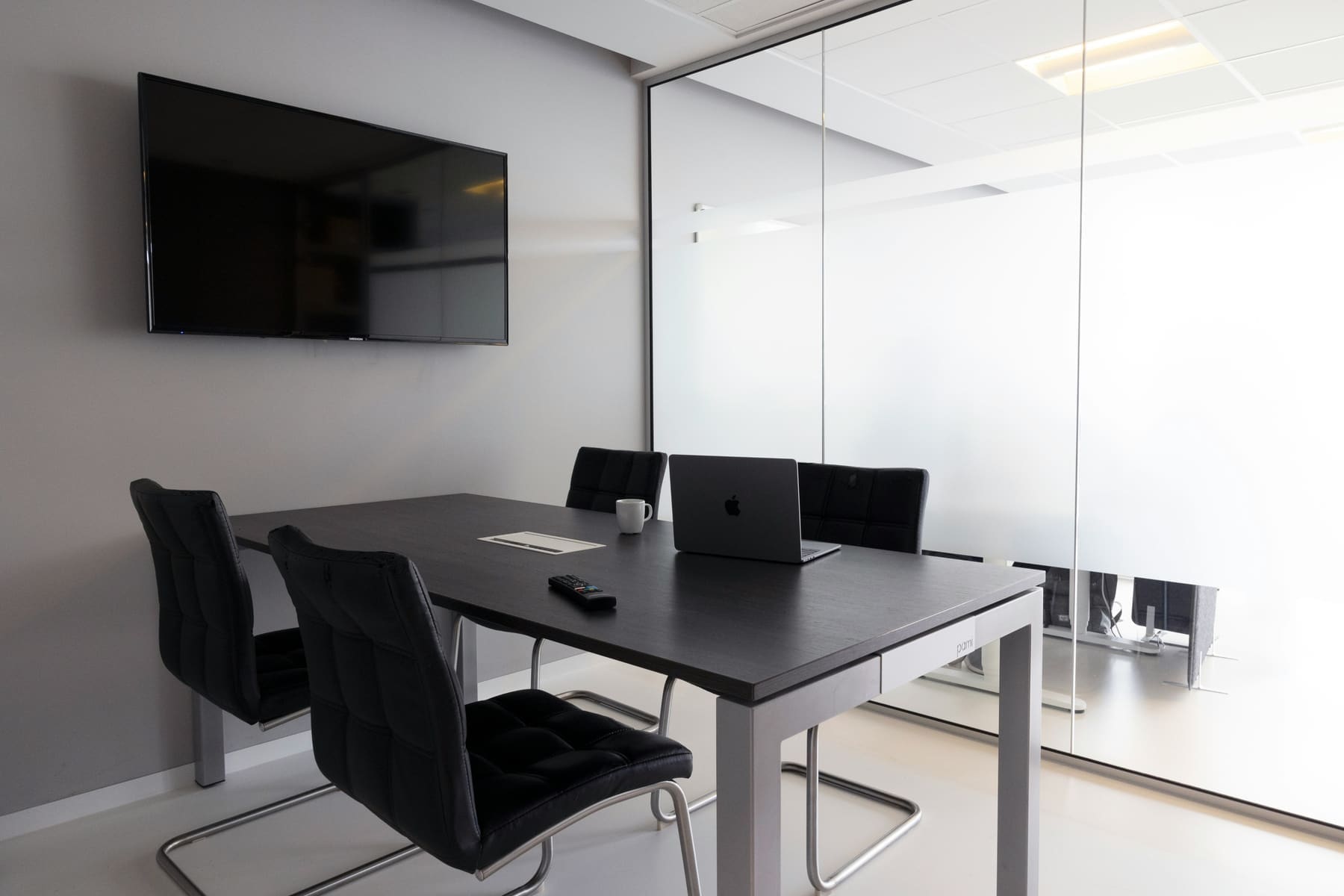
HUDDLE ROOM
2-5 people
Ideal for quick discussions, check-ins, and spontaneous collaboration. A huddle-room AV setup delivers video conferencing, wireless content sharing, and integrated audio — keeping small groups productive.

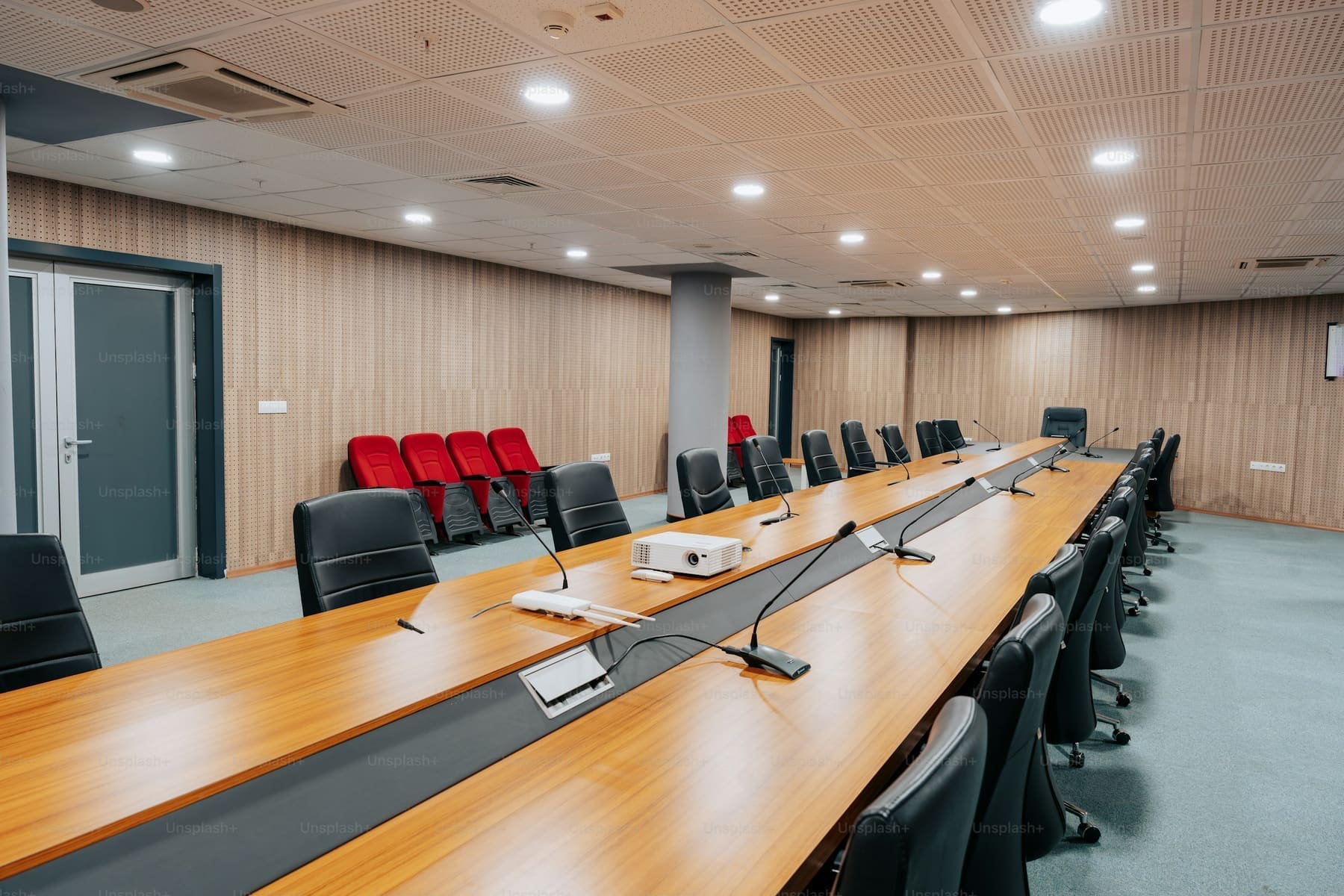
MEETING ROOM
6-12 people
Built for presentations, check-ins, and hybrid collaboration. A complete meeting room setup supports clear communication, reliable video conferencing, and seamless content sharing—ideal for focused, everyday work.

Want to learn more?
Let’s design the room around the way you work
Tell us about the space and we’ll put an AV specialist on it — no obligation, no pricing games.
Frequently Asked Questions
Do you supply this brand's full range?
We can source the full catalogue, and we stock and standardise on the models that hold up in real installations. If a product is listed on this site, we have specified it before and will support it after install.
If you have a specific model in mind that isn't listed, ask — sourcing it is usually straightforward.
Can you mix this brand with hardware we already own?
Yes. We design platform-agnostic systems, and most of our work involves adding to an estate rather than replacing one.
During the site visit we audit what is already installed, confirm compatibility with the control platform and conferencing service you use, and design the additions around it. Where something genuinely will not interoperate we say so before you buy it.
Is the hardware certified for Microsoft Teams, Zoom or Google Meet?
Certification varies by model rather than by brand, so we confirm it per room rather than in general.
Tell us which platform your organisation runs and we will only specify hardware certified for it — including the touch controller and room scheduling behaviour, which is where uncertified kit usually shows its limits.
What warranty and support comes with it?
Every product carries its manufacturer warranty, and we handle the claim on your behalf rather than sending you to the vendor.
On top of that we offer ongoing support: remote diagnostics, firmware and configuration management, and on-site response. The specific terms depend on the system, so they are set out in your quote.
Can we see it working before we commit?
Yes. Depending on the product we can arrange a demonstration, a manufacturer briefing, or a trial install in one of your own rooms.
For larger deployments we usually recommend piloting a single room first, confirming it against how your teams actually meet, then rolling out the validated design.
Request a Quote
Need expert help? We’ve got you covered — from strategy to setup.
Fill out the form to schedule a FREE consultation with one of our AV experts. Whether you need conferencing, control, KVM, AV-over-IP, or outdoor tech solutions — we’ve got you covered. We’ll connect you with a specialist to design the right setup for your space. A member of our team will reach out to you soon.