AV Integration Services
Targus AV Integrator
Princeton Pro AV is a Targus AV integrator serving New Jersey, Pennsylvania and New York City. We design the complete system, source compatible hardware, install and program it, commission the finished room, train users and provide ongoing support. Universal docking stations and accessories for shared desks and small rooms, so any laptop reaches the screens, network and power with one cable.
Get a QuoteWhat a Targus AV integrator handles
Product sourcing is only one part of the work. We verify compatibility, design the signal and control paths, install and configure the hardware, test the complete room, document it and remain available after handover. These are the Targus categories we integrate most often.
- Docking Station
- Privacy Screen
- Laptop Accessory
Current Targus Lineup
Targus equips the shared desk: docks that connect any laptop with one cable, and the cases, privacy screens and ergonomic accessories around it.
Universal USB-C Docks
- One cable to displays, network and power
- Works with laptops from different makers
- Suits hot desks and huddle rooms
Dock500/Thunderbolt Docks
- High-bandwidth docks for multiple high-resolution monitors
- Thunderbolt connection for demanding workstations
- Charges the laptop on the same cable
Corporate Laptop Cases
- Laptop bags and cases for staff who travel or commute
- Protective padding for the laptop
- A standard issue across a company
Privacy Screens
- Filters that hide the screen from side angles
- For open-plan offices, travel and public spaces
- Fitted to the laptop or monitor
Ergonomic Accessories
- Laptop stands, keyboards and mice for comfortable work
- Raise the screen to eye level
- Complete the hot desk with the dock
Targus Integration by Room
Where Targus hardware fits best, and how we integrate it into a complete room system.
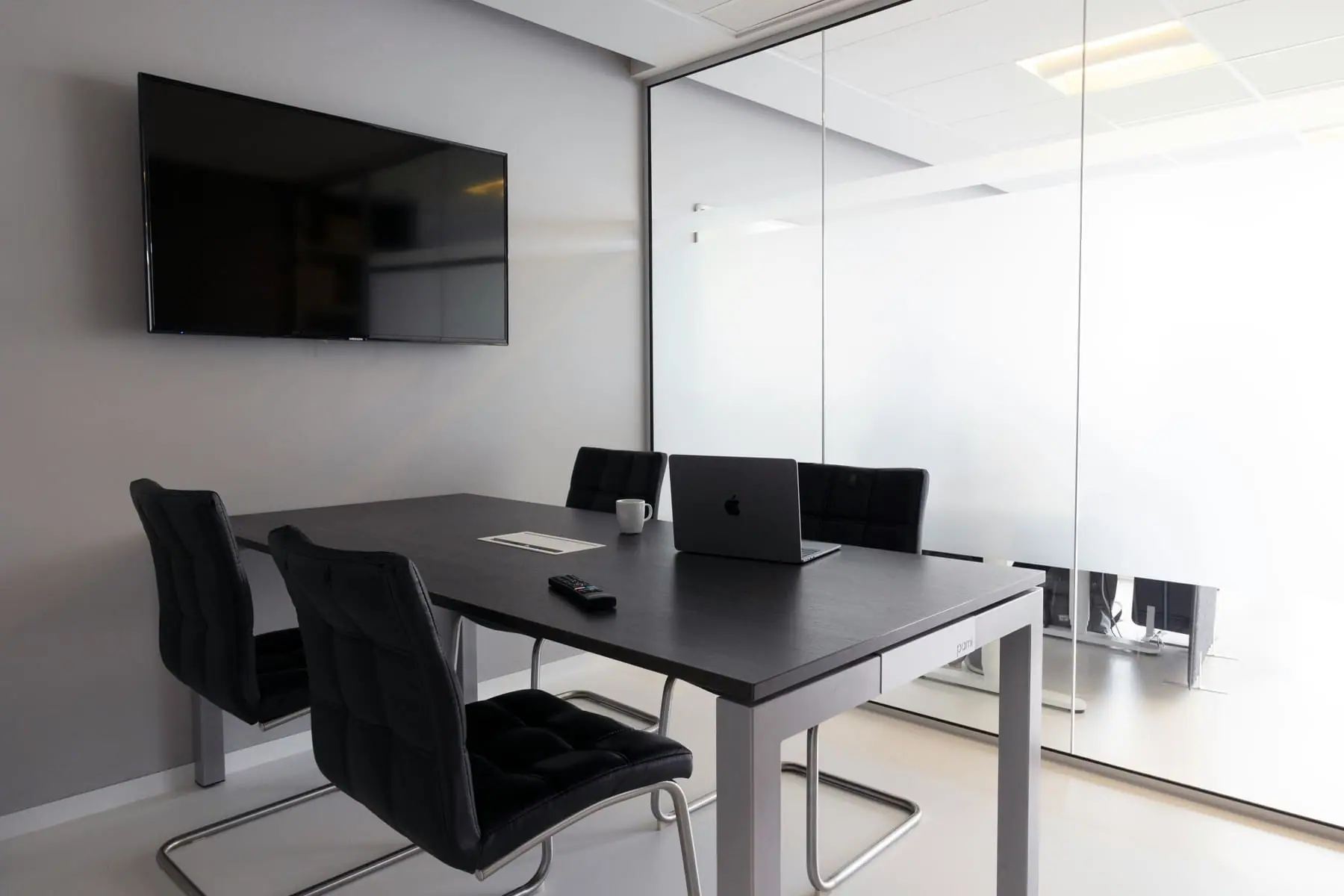
HUDDLE ROOM
2-5 people
Ideal for quick discussions, check-ins, and spontaneous collaboration. A huddle-room AV setup delivers video conferencing, wireless content sharing, and integrated audio — keeping small groups productive.
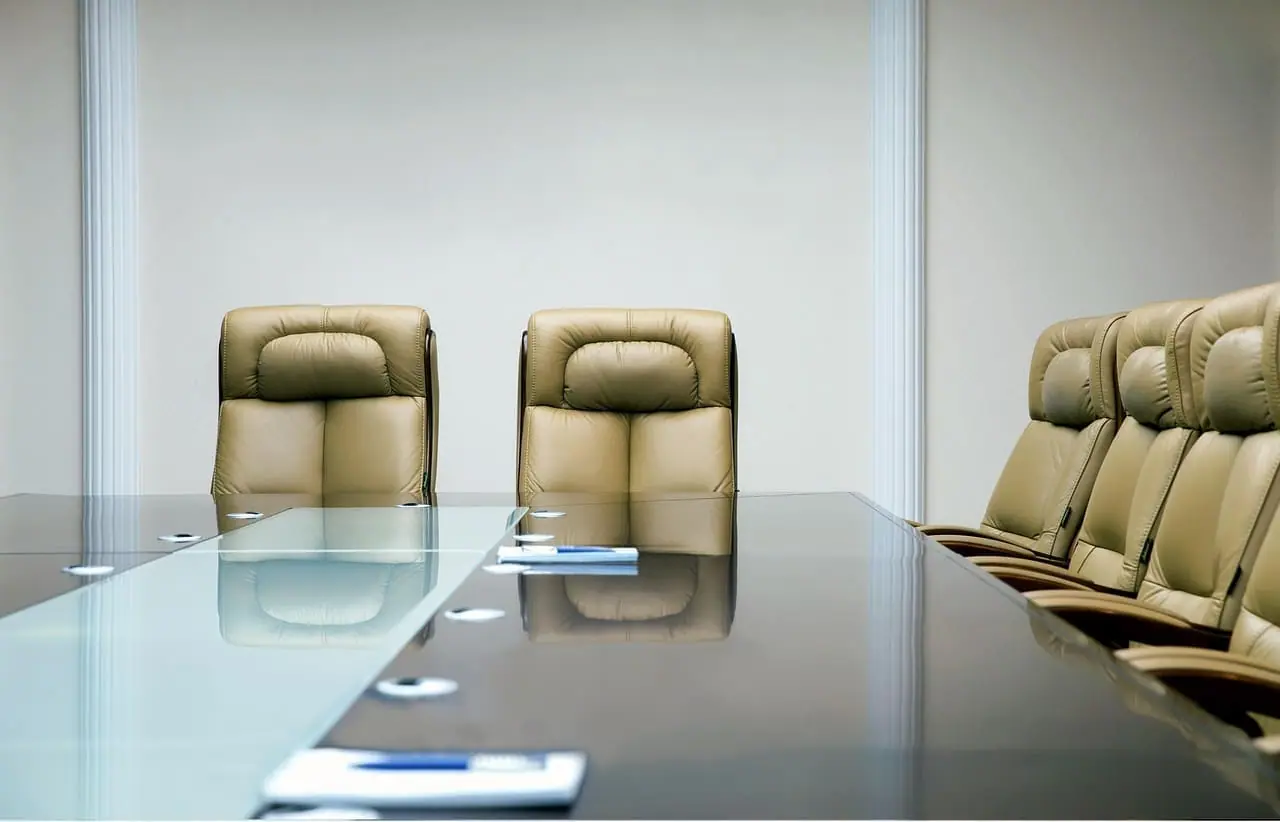
MEETING ROOM
6-12 people
Built for presentations, check-ins, and hybrid collaboration. A complete meeting room setup supports clear communication, reliable video conferencing, and seamless content sharing—ideal for focused, everyday work.
Related services

Want to learn more?
Let’s design the room around the way you work
Tell us about the space and we’ll put an AV specialist on it — no obligation, no pricing games.
Frequently Asked Questions
Do you only supply the hardware, or do you integrate the complete system?
We are an AV integrator, not a product-only reseller. We start with the room, users, conferencing platform, network and existing equipment, then design a complete system around them.
Our scope can include product sourcing, mounting and cabling, device configuration, control programming, platform enrolment, audio tuning, commissioning, documentation, user training and ongoing support. The proposal states exactly which parts we own for your project.
Do you supply this brand's full range?
We can source the full catalogue, and we stock and standardize on the models that hold up in real installations. If a product is listed on this site, we have specified it before and will support it after install.
If you have a specific model in mind that isn't listed, ask — sourcing it is usually straightforward.
Can you mix this brand with hardware we already own?
Yes. We design platform-agnostic systems, and most of our work involves adding to an estate rather than replacing one.
During the site visit we audit what is already installed, confirm compatibility with the control platform and conferencing service you use, and design the additions around it. Where something genuinely will not interoperate we say so before you buy it.
Is the hardware certified for Microsoft Teams, Zoom or Google Meet?
Certification varies by model rather than by brand, so we confirm it per room rather than in general.
Tell us which platform your organization runs and we will only specify hardware certified for it — including the touch controller and room scheduling behaviour, which is where uncertified kit usually shows its limits.
What warranty and support comes with it?
Every product carries its manufacturer warranty, and we handle the claim on your behalf rather than sending you to the vendor.
On top of that we offer ongoing support: remote diagnostics, firmware and configuration management, and on-site response. The specific terms depend on the system, so they are set out in your quote.
Can we see it working before we commit?
Yes. Depending on the product we can arrange a demonstration, a manufacturer briefing, or a trial install in one of your own rooms.
For larger deployments we usually recommend piloting a single room first, confirming it against how your teams actually meet, then rolling out the validated design.
Request a Quote
Need expert help? We’ve got you covered — from strategy to setup.
Fill out the form to schedule a FREE consultation with one of our AV experts. Whether you need conferencing, control, KVM, AV-over-IP, or outdoor tech solutions — we’ve got you covered. We’ll connect you with a specialist to design the right setup for your space. A member of our team will reach out to you soon.